
















In the third and final installment of All About Eyes, you’ll take everything
you learned in Part I: Iris Texture and Part II: Iris Dilation and map it to a
3D model.
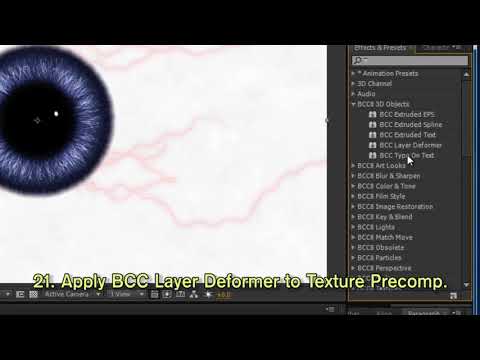
Armed with BCC 3D Objects and BCC Layer Deformer in Adobe After Effects, Boris FX’s Paul Ezzy
shows you how to create a realistic 3D eyeball, complete with 3D lighting and
cameras. Next you’ll discover how to dilate your iris in response to AE
lights. And finally, you’ll make your AE lights cast visible volumetric light
with BCC Stage Light (new to BCC ). The end result? An eerily atmospheric 3D eye
that’s fully integrated with AE lights & camera! Download Project
File.
Filters Used Include: Lightning, Matte Choker, Layer Deformer, Stage Light
Featured Units: Lights, Key & Blend, 3D Objects
Subscribe to our newsletter
Get all the latest news, blog posts and product updates from Boris FX, delivered directly to your inbox.
Welcome!
Thanks for opting-in to our newsletter. You'll receive an email momentarily with your confirmation.
