
















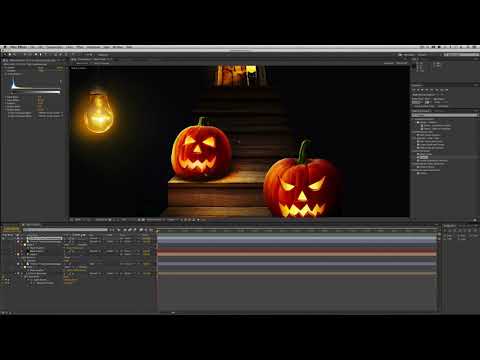
Kevin P. McAuliffe returns with a second Halloween-themed episode filled with
quick tips and shortcuts for both MAC and PC users with BCC 8 AE
and
Adobe After Effects CS 6 or higher.
Learn how to create a quick show animation from a still image – add
flickering lights to a jack o’lantern and generate atmospheric lighting.
Filters used: BCC Film Glow , BCC Linear Luma Key , BCC Rays Puffy, and BCC Stagelight
. Download
Project File
Filters Used Include: Rays Puffy, Stage Light, Linear Luma Key, Film Glow,
Bevel Alpha
Featured Units: Lights, Key & Blend, Perspective
Subscribe to our newsletter
Get all the latest news, blog posts and product updates from Boris FX, delivered directly to your inbox.
Welcome!
Thanks for opting-in to our newsletter. You'll receive an email momentarily with your confirmation.
