
















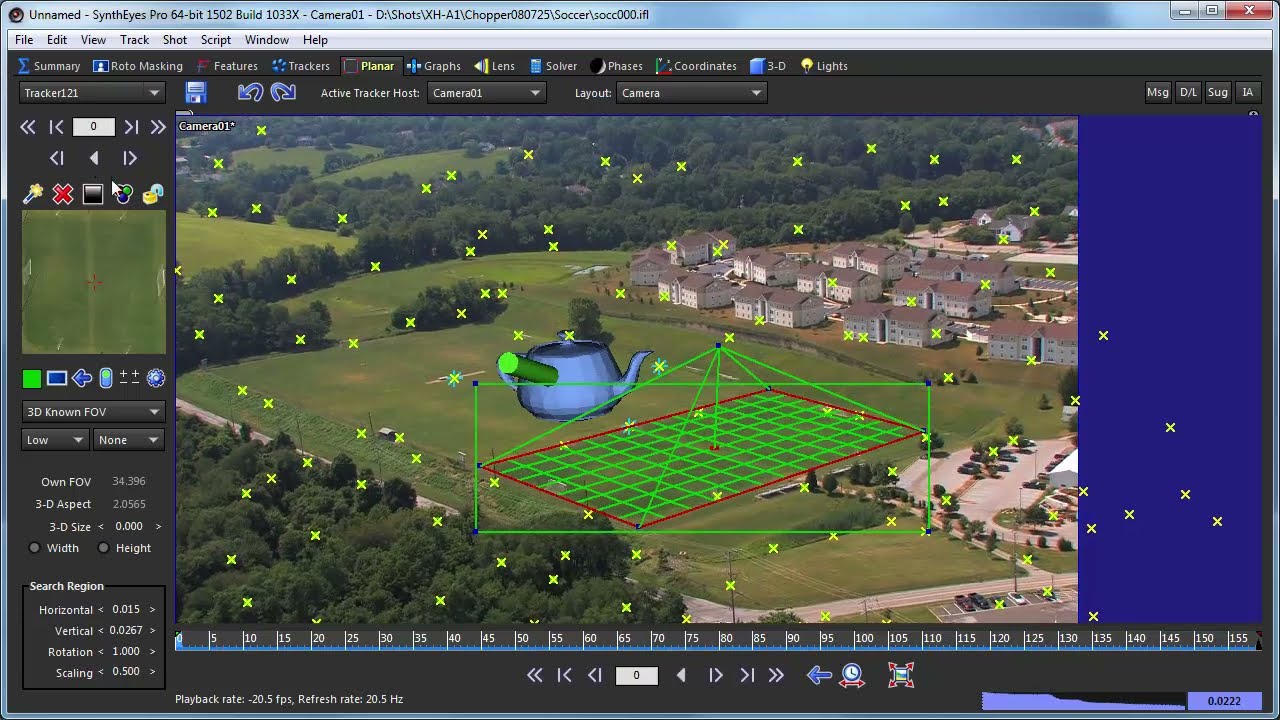
This extended tutorial shows a 3-D scene being exported from SynthEyes to fusion. There’s a quick run-through of the shot being auto-tracked in SynthEyes, trackers cleaned up generically, and two meshes and a planar tracker being created. Once in Fusion, the tutorial runs through the different nodes and points out the lens distortion setup, then shows how to reconfigure for a true compositing-based insert. For more information, see “Fusion” in the “Exporting to Your Animation Package” section of the SynthEyes user manual. Source images: soccer.zip in the Example Files area. See also the “Softening Edges of Inserts” tutorial.
Subscribe to our newsletter
Get all the latest news, blog posts and product updates from Boris FX, delivered directly to your inbox.
Welcome!
Thanks for opting-in to our newsletter. You'll receive an email momentarily with your confirmation.
