
















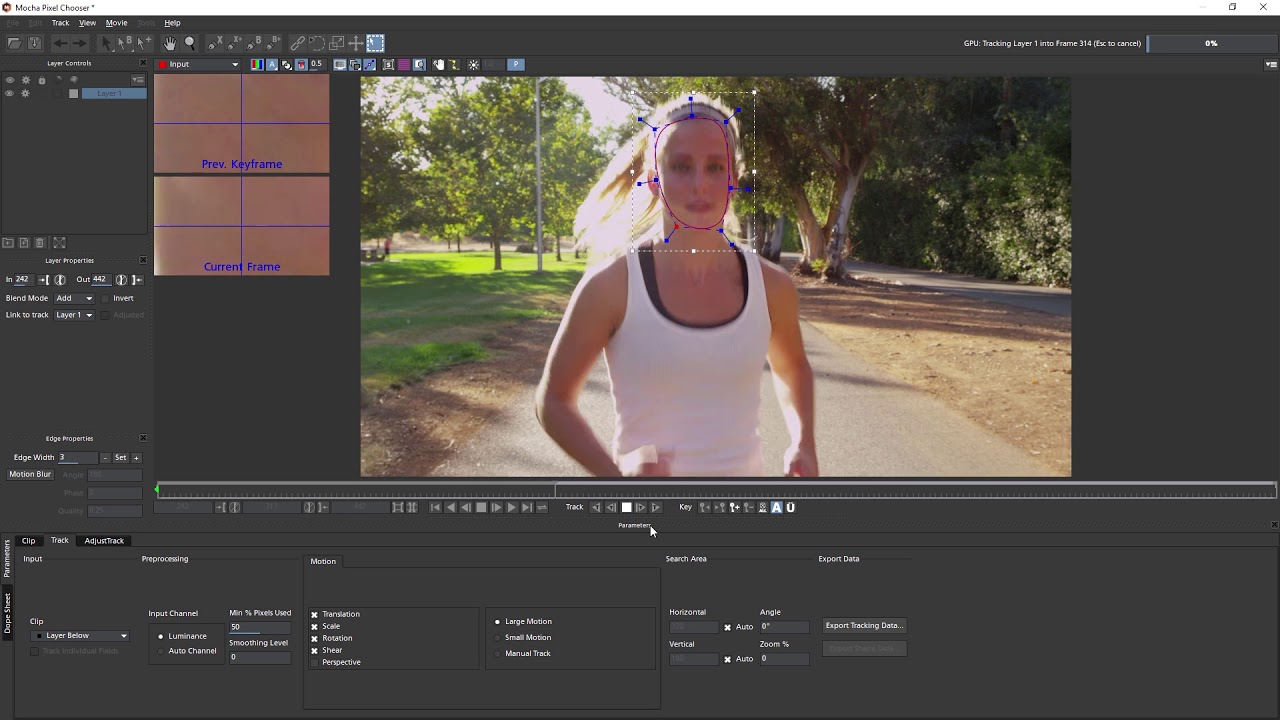
The Witness Protection filter in Continuum from Boris FX allows you to track one or more objects, and then apply that tracking data to a specific effect such as the blur effect. Follow along as VFX artist Ben Brownlee walks you through the process of using the Witness Protection filter in your videos.
Subscribe to our newsletter
Get all the latest news, blog posts and product updates from Boris FX, delivered directly to your inbox.
Welcome!
Thanks for opting-in to our newsletter. You'll receive an email momentarily with your confirmation.
