
















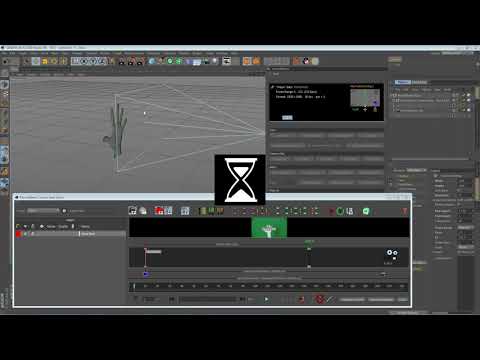
In part 2 of this tutorial, you’ll learn how to use MochaBlend-C4D’s ‘Camera
Map Editor’ to turn a Mocha roto-shape and its linked-track into a 3D object
in C4D that moves in 3D space just like the original object moved in the real
world. You’ll also learn how to keyframe the motion of a roto-layer if you
don’t have a good track in Mocha, and how to add depth and rotation to the
layer.
Map Editor’ to turn a Mocha roto-shape and its linked-track into a 3D object
in C4D that moves in 3D space just like the original object moved in the real
world. You’ll also learn how to keyframe the motion of a roto-layer if you
don’t have a good track in Mocha, and how to add depth and rotation to the
layer.
Subscribe to our newsletter
Get all the latest news, blog posts and product updates from Boris FX, delivered directly to your inbox.
Welcome!
Thanks for opting-in to our newsletter. You'll receive an email momentarily with your confirmation.
