
















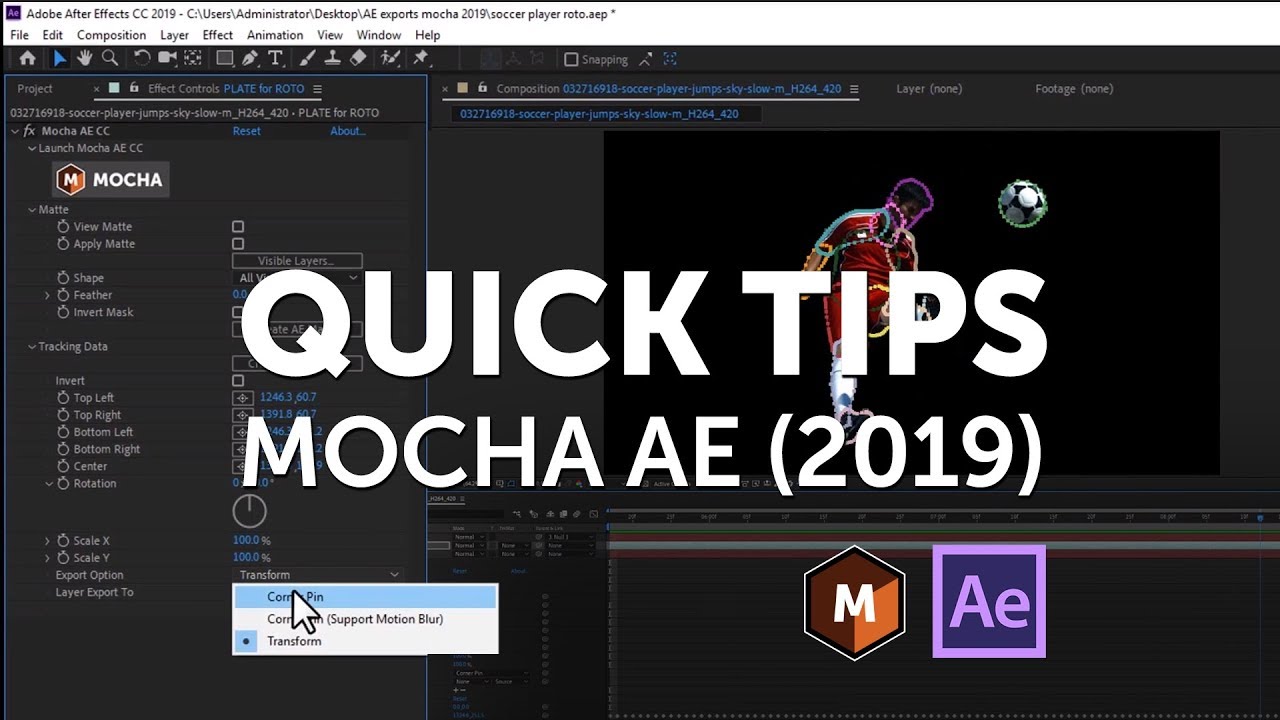
Adobe After Effects 2019 has updated the bundled Mocha AE for advanced planar motion tracking and masking.
In this short tech video, Mary Poplin explains how the workflow to get motion tracking data and masking data from Mocha to AE has been improved.
To get data from Mocha AE to AE, use the “Create Tracking Data” or ‘Create Masking Data" buttons in the plug-in interface. “Copy to clipboard” is no longer used in the workflow.
Thanks to Pond5 for providing footage.
To support Mocha inside Adobe Premiere, consider upgrading to Mocha Pro 2019!
Want to learn the difference between Mocha products?
Subscribe to our newsletter
Get all the latest news, blog posts and product updates from Boris FX, delivered directly to your inbox.
Welcome!
Thanks for opting-in to our newsletter. You'll receive an email momentarily with your confirmation.
