
















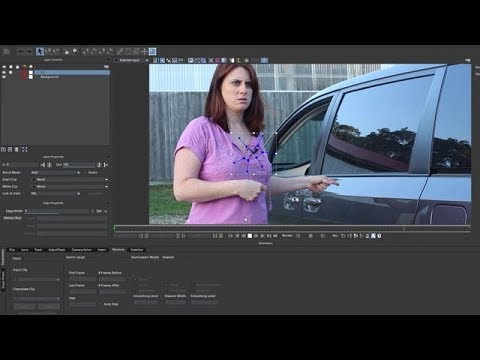
In this video tutorial, Vin Morreale, indie filmmaker, uses the Mocha Pro plug-in for Adobe to motion track and remove a logo from a shirt. He also shows how Mocha Pro’s Remove Module and Clean Plate Tool can be used to quickly remove an unwanted lavaliere microphone from an actress.
Mocha Pro from Boris FX is a planar motion tracking plug-in with advanced tools for object removal, masking, screen replacements, image stabilization and more.
The Mocha Pro plug-in is available for Adobe After Effects, Premiere Pro, Avid Media Composer and OFX hosts.
To learn more about Vin’s series “Staying in Boston”, visit: StayinginBoston.com
Subscribe to our newsletter
Get all the latest news, blog posts and product updates from Boris FX, delivered directly to your inbox.
Welcome!
Thanks for opting-in to our newsletter. You'll receive an email momentarily with your confirmation.
